
Toggl Track
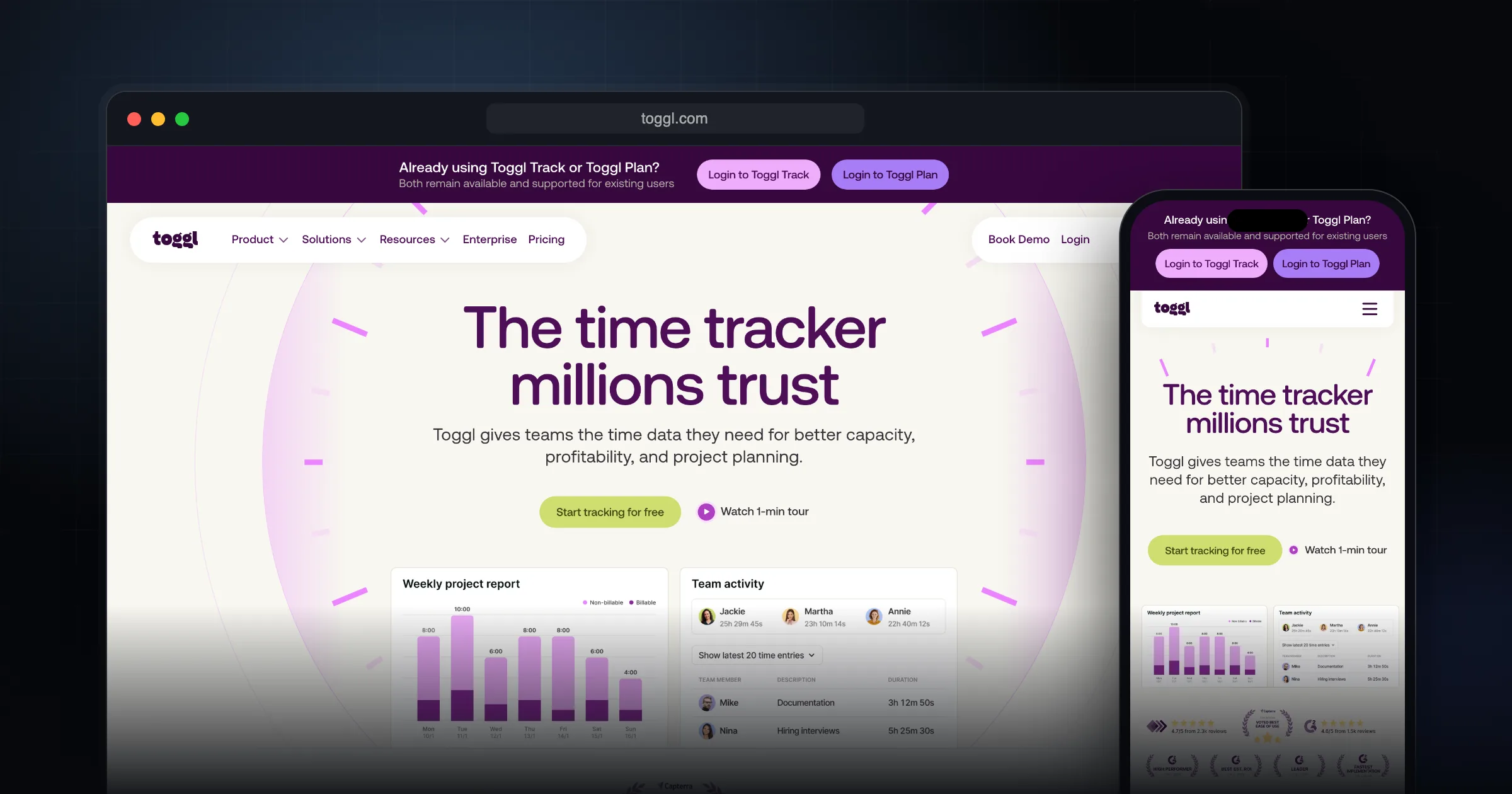
Toggl Track is a time tracker with one-click timers, calendar planning and reports that show where your hours go by project, client or team. The free plan covers up to 3 users, and paid plans add billable rates, profitability reports and timesheet approvals.
What it does well.
One-click and manual timers
Web, Windows, Mac, iOS and Android apps plus browser extensions
Reports grouped by project, client or team
Billable rates and built-in invoicing
Estimated vs. actual time comparisons
Calendar planner, boards and timelines
Jira, Asana, Notion and Slack integrations
API and MCP server for custom connections
No screenshots, keystroke logging or webcam monitoring
Why I recommend this.
Toggl Track is a strong choice if you want accurate time tracking without adding extra friction to your day. Its one-click timer makes it easy to start and stop tracking in real time, so you’re more likely to capture your actual work hours instead of guessing later.
The reporting features turn those raw time entries into useful insights. You can quickly see where your hours go across projects, clients, or tasks, which helps with better estimating, billing, and workload planning. This is valuable whether you’re a solo freelancer trying to price your services correctly or a manager looking to understand team capacity and utilization.
A key advantage is how well Toggl Track integrates with project management tools. By linking time entries directly to tasks, you keep your workflow in one place instead of jumping between systems. That connection makes it easier to analyze time at the task or project level, spot bottlenecks, and improve processes.
Overall, if your goal is to understand and optimize how time is spent—without turning tracking into another tedious task—Toggl Track provides a lightweight, user-friendly solution that scales from individual use to team-wide adoption.
Who Toggl Track is for
Toggl Track fits freelancers who bill by the hour, small agencies that need to know which clients are profitable, and teams that want honest numbers for estimates. If you only need a stopwatch, it is more than you need. If you need to turn hours into invoices, reports and better quotes, it earns its place.
It is also a reasonable pick for teams that care about privacy. Toggl states that it does not take screenshots, log keystrokes or use webcam monitoring, which makes it easier to roll out without it feeling like surveillance.
What it actually does
The core is simple: start a timer with one click, or add time manually after the fact. Entries are tagged to projects, clients and tasks, and everything syncs across the web app, desktop apps for Windows and Mac, mobile apps for iOS and Android, and browser extensions.
- Reports: filterable time reports grouped by project, client or team, timesheet reports, and estimated vs. actual comparisons.
- Money: billable rates, built-in invoicing, and profitability reports on higher plans.
- Planning: a calendar planner, kanban-style boards, timelines, and time off and public holiday planning.
- Integrations: Jira, Asana, Notion and Slack are named on the site, along with a public API and an MCP server for connecting AI tools such as Claude, Cursor and Codex.
Pricing and the free plan
At the time of writing (October 2026), the official pricing page lists four tiers. Free costs nothing and covers up to 3 users, with timers, focus mode, calendar integrations, tasks and personal reports. Starter is $9 per user per month billed annually ($12 monthly) and adds billable rates, tags, timeline views and team reports. Premium is $16 per user per month billed annually ($24 monthly) and adds labor costs, profitability and fixed-fee reports, timesheet approvals, Jira and Asana integrations and SSO. Enterprise is priced on request.
Paid plans come with a 30-day trial. There are also paid add-ons for time off management and capacity planning, priced per user.
Limitations and trade-offs
The free plan's 3-user cap is the first wall a growing team hits. Billable rates, which most freelancers want on day one, start at the Starter tier, and the Jira and Asana integrations sit in Premium. Per-user pricing also adds up quickly for larger teams compared with tools that offer unlimited free users.
Toggl Track relies on people starting timers or filling in time. It does not do automatic screenshot-based tracking, which is a feature for some teams and a gap for others.
Toggl Track vs. alternatives
- Clockify: has a free plan for small teams and paid seats starting at $3.99 per month billed annually. It is the budget option if per-seat cost matters most.
- Harvest: includes invoicing even on its free plan, but the free tier is limited to 1 seat and 2 projects. It suits solo freelancers whose main need is time-to-invoice.
- Toggl Track: the stronger choice when you want polished reports, planning views and integrations in one place, and you are willing to pay per user for them.
Getting started checklist
- Create a free workspace and install the browser extension and desktop app so the timer is always one click away.
- Set up clients and projects first, then tag entries consistently from the start.
- Track a normal week before changing anything, then review the summary report.
- If you bill clients, start the 30-day trial of a paid plan to test billable rates and invoicing before committing.
- Connect your calendar so planned work and tracked time sit side by side.
Comments
Share your thoughts and join the conversation