
Papermark
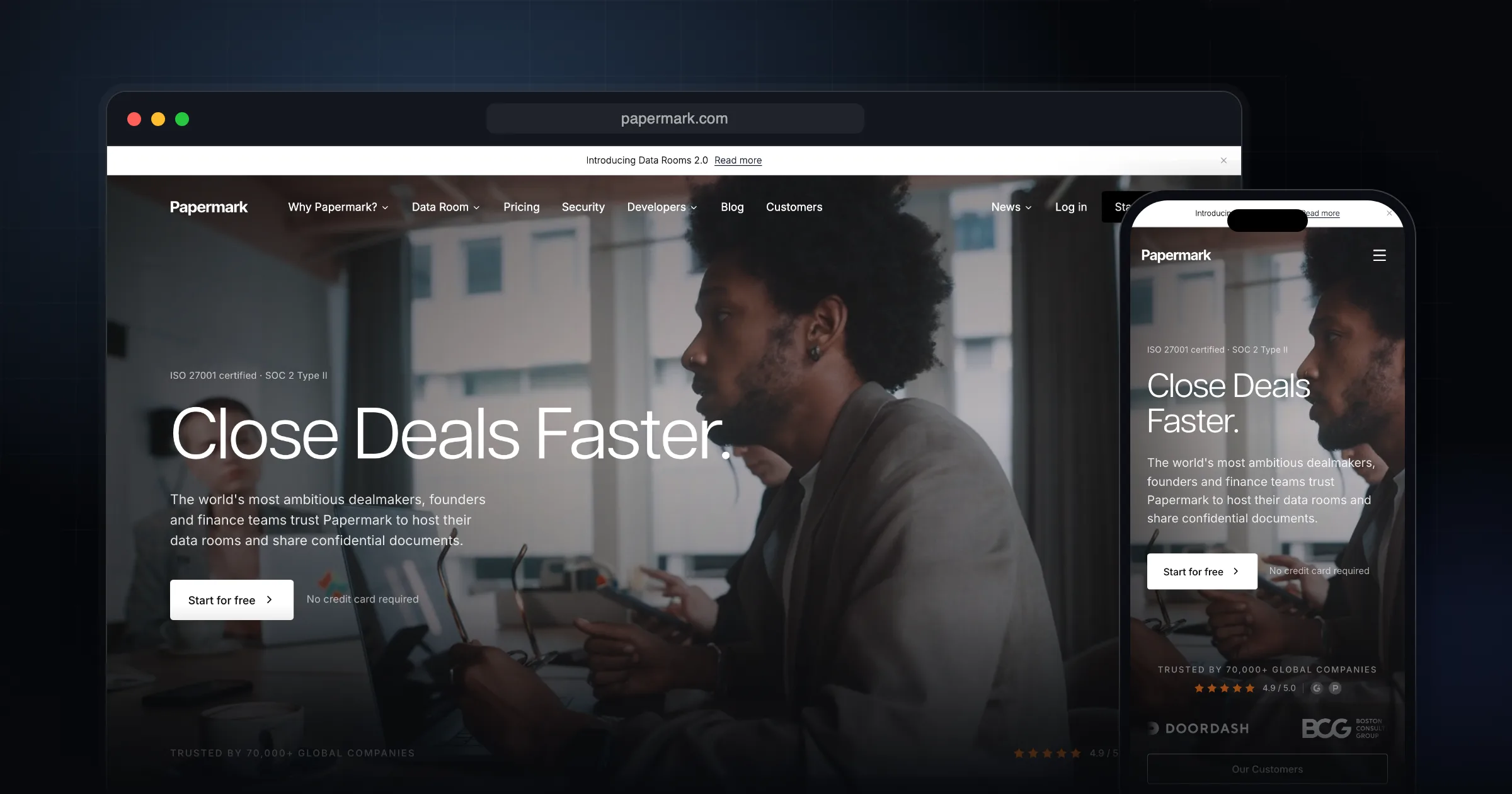
Papermark is an open-source alternative to DocSend for sharing documents through tracked links, with page-by-page analytics, custom branding and virtual data rooms. You can use the hosted service on a free or paid plan, or run the code yourself on Next.js and PostgreSQL, subject to its licence terms.
What it does well.
Shareable tracked links for PDFs, decks and documents
Page-by-page analytics per viewer
Custom domain and branding for shared links
Virtual data rooms with folder and file permissions
NDA gate before a document loads (Data Rooms plans)
Dynamic watermark with viewer email, IP and timestamp
Password protection and screenshot protection
Free plan: 50 documents, 50 links, unlimited visitors
Self-hostable codebase (Next.js, Prisma, PostgreSQL)
Why I recommend this.
Papermark is an excellent choice if you share important documents professionally and want DocSend-style power without ongoing subscription costs. It gives you:
- Secure, link-based sharing – Easily control who can access your documents via unique links, ideal for pitch decks, proposals, and sensitive files.
- Detailed view analytics – See exactly when, how often, and how long someone engages with each page of your document, which is crucial for:
- Startups tracking investor interest in pitch decks
- Sales teams understanding prospect engagement with proposals and contracts
- Custom domains – Share documents from your own branded domain, which looks more professional and builds trust with recipients.
- Open-source and self-hostable – Run Papermark on your own infrastructure for full control over data, compliance, and security. This is especially valuable when handling confidential financials, legal docs, or internal strategy materials.
Because it combines analytics, security, branding, and self-hosting in one open-source package, Papermark is a strong, cost-effective alternative to DocSend for anyone who regularly shares documents with clients, investors, or partners.
Who Papermark is for
I recommend Papermark to founders sending pitch decks, freelancers and agencies sending proposals, and anyone who needs to know whether a shared file was actually opened. If you have been paying for DocSend mainly to see who read which page, Papermark covers that job and has a free tier to test it on.
It is less useful if you only share files with your own team. A normal cloud drive is simpler for that.
What it actually does
You upload a document and share it through a custom link. Visits are tracked page by page and per viewer, so you can see which pages each recipient actually engaged with. On higher plans you can add a custom domain, your own branding, password protection, screenshot protection, an NDA that must be accepted before the file loads, and a dynamic watermark that stamps the viewer's email, IP and timestamp on the page.
The Data Rooms plans turn this into a virtual data room: folders with granular permissions, groups, a Q&A module, file requests and an audit log. That is aimed at fundraising and due diligence.
Pricing at the time of writing (October 2026)
Prices on the Papermark pricing page are in euros. The monthly figures below are for annual billing, with month-to-month in brackets.
- Free: €0, 1 user, 50 documents, 50 links, unlimited visitors, page-by-page analytics.
- Pro: €24/month (€29), 100 documents, large uploads, custom branding, video.
- Business: €59/month (€79), 3 users, 1,000 documents, custom domain for documents, screenshot protection, API.
- Data Rooms: €99/month (€149), unlimited data rooms, NDA agreements, dynamic watermark, granular permissions.
- Higher data room tiers run up to €999/month annually, and Enterprise is quoted on request.
Licence and self-hosting: read the fine print
The canonical repository is github.com/papermark/papermark. The older github.com/mfts/papermark address redirects there. Its LICENSE file puts most of the code under AGPLv3, while the `ee` directories are under a separate commercial licence.
Papermark's own self-hosting help article is stricter. It says the open-source project is licensed for personal, non-commercial use, that personal self-hosting does not include data rooms or advanced security features, and that team or company use needs a Self-Hosting License, listed from $500/month. If you plan to self-host for a business, read both documents and confirm with Papermark first.
Technically, the README path is Node.js 18.17 or newer, a PostgreSQL database, blob storage (AWS S3 or Vercel Blob), Resend for email and Tinybird for analytics. You clone the repo, copy `.env.example` to `.env`, run `npm install`, initialise the database with Prisma and start the server. I did not find an official Docker image in the README.
Limitations and trade-offs
- Self-hosting has several moving parts (Postgres, blob storage, Resend, Tinybird), so it is more work than a single container.
- The features most teams want for fundraising (NDA, watermark, data rooms) sit on the paid Data Rooms plans.
- The free plan caps you at 50 documents and 50 links, which is fine for testing but tight for an active sales team.
Papermark vs DocSend and a plain drive link
DocSend, now part of Dropbox, is the product Papermark positions itself against. It is a hosted, closed-source service with paid plans, so you cannot run it on your own servers. Papermark gives you a free tier, published source code and the option of self-hosting, which is the main reason to pick it.
A Google Drive or Dropbox share link costs nothing and everyone knows how to open it, but it is not built around per-page viewer analytics, NDA gates or watermarks. If all you need is delivery, a drive link is enough. If you need to know who read slide 7, use Papermark.
Getting started checklist
- Sign up for the free plan at papermark.com and upload one real document.
- Open your own link from a private browser window, then check the analytics view to see what a recipient's visit looks like.
- Decide whether you need a custom domain, NDA or watermark, and check which plan includes it.
- If you want to self-host, read the self-hosting article and the repo LICENSE before you deploy.
- For a self-hosted test, prepare Postgres, S3 or Vercel Blob, a Resend key and a Tinybird token, then follow the README.
Comments
Share your thoughts and join the conversation