
Keycloak Theme Builder
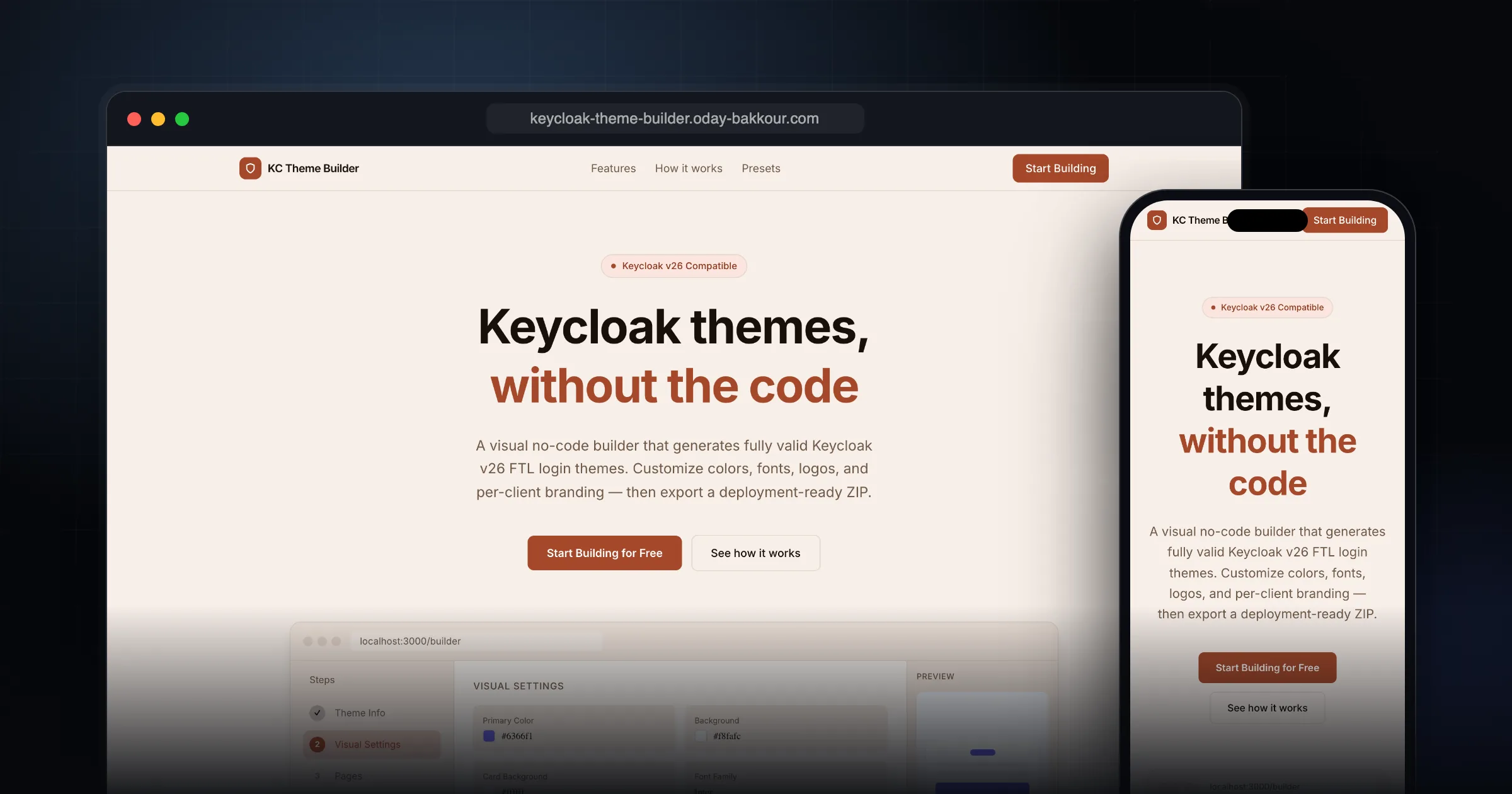
A visual no-code builder that generates fully valid Keycloak v26 FTL login themes. Customize colors, fonts, logos, and per-client branding — then export a deployment-ready ZIP.
What it does well.
Full FTL Generation
Live HTML Preview
Per-Client Branding
One-Click ZIP Export
Arabic/RTL Messages
No Vendor Lock-in
Why I recommend this.
As someone who frequently works with Keycloak, the Theme Builder has completely transformed my workflow.
Creating custom themes used to mean manually tweaking FTL templates and CSS - a tedious process that often resulted in compatibility issues. Now, with this visual builder, I can create beautiful, brand-compliant themes in minutes without writing a single line of code.
The live HTML preview feature is particularly impressive - I can see exactly how my theme will look across all 9 authentication pages, including login, registration, and password recovery, in real-time.
This eliminates the guesswork and the constant cycle of redeploying and refreshing to check minor CSS adjustments.
Beyond just the speed, the ability to export a production-ready .ftl file directly from the interface has bridged the gap between design and deployment.
It ensures that the final product is not only aesthetically pleasing but also technically sound and compatible with various Keycloak versions.
It has truly turned a once-dreaded task into one of the most efficient parts of my development pipeline.
How to create a Keycloak theme with it
- Open the builder and pick colors, fonts and your logo. The live HTML preview updates as you change them.
- Add per-client branding if different apps in the realm need their own look, and edit the login messages, including Arabic and other right-to-left languages.
- Export the theme as a ZIP. It contains valid FreeMarker (FTL) templates for Keycloak v26.
- Unzip it into the themes folder of your Keycloak server, restart Keycloak, then select it under Realm settings > Themes > Login theme.
FAQ
Is this Keycloak theme generator free?
Yes. It is free to use, and the exported theme is plain FTL and CSS that you own, with no runtime dependency on the builder.
Which Keycloak versions does it support?
It generates login themes for Keycloak v26.
Do I need to know FreeMarker to customize the Keycloak login page?
No. The builder writes the FTL templates for you. You can still edit the exported files by hand if you want deeper changes.
Comments
Share your thoughts and join the conversation