
Iconscout
IconScout is a design asset marketplace with icons, illustrations, 3D assets and Lottie animations, available through the website, a desktop app, plugins, an API and an MCP server. Free assets need attribution, and premium assets require a paid plan with a digital or physical licence.
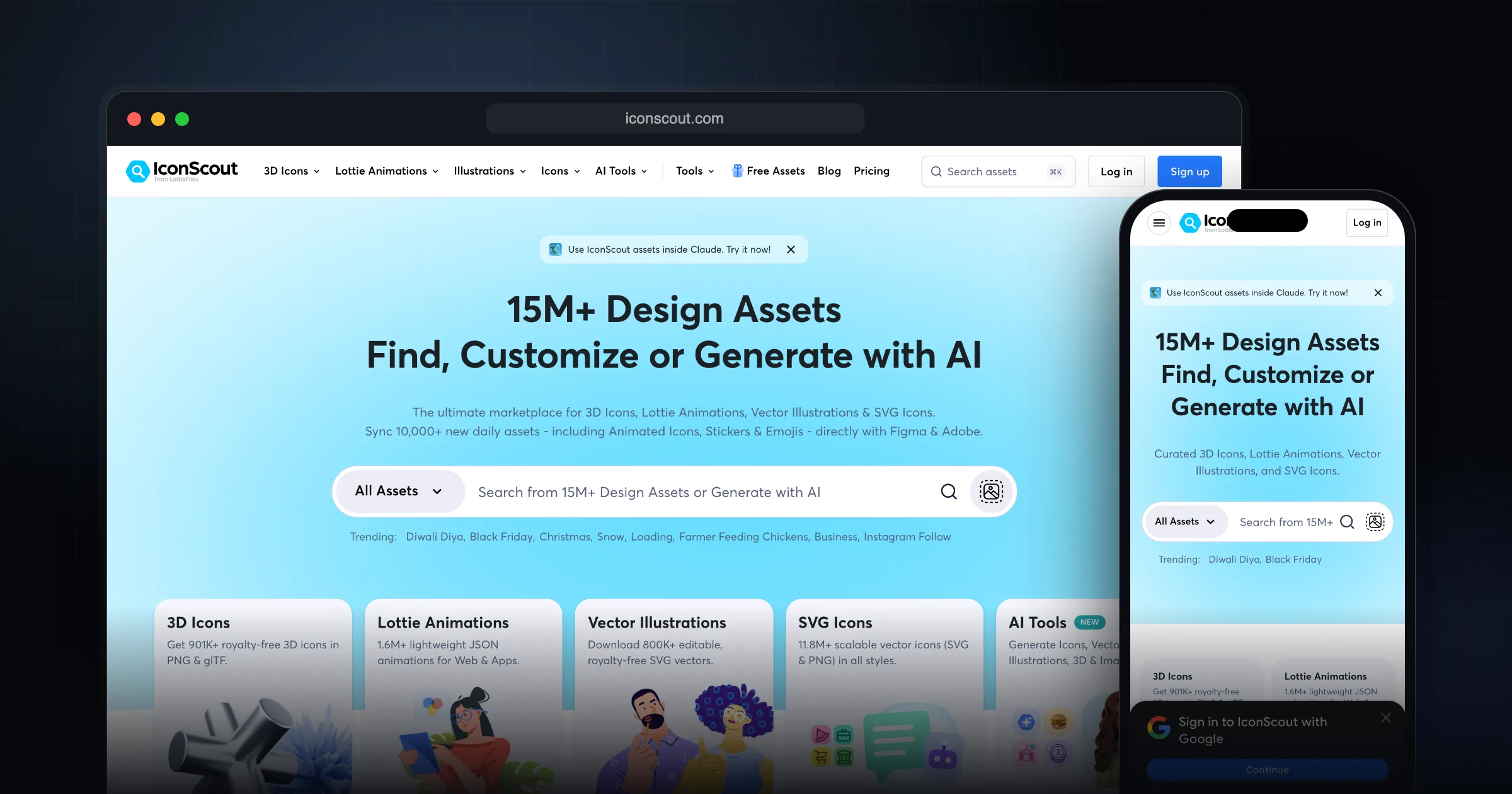
What it does well.
Icons, illustrations, 3D assets and Lottie animations
Desktop app for Windows and macOS with drag-and-drop
IconScout plugin for inserting assets into design tools
MCP server for Claude, Cursor, ChatGPT and Codex
Developer API with Startup, Growth and Growth+ plans
Built-in SVG and Lottie colour editors
AI vectorizer and background remover
Team plans with shared collections and palettes
Free Unicons icon library for web and mobile
Why I recommend this.
Iconscout is a highly efficient, all-in-one design asset platform that streamlines the visual design workflow from prototyping to production. By offering icons, illustrations, 3D assets, and stock photos in a single place, it eliminates the need to juggle multiple subscriptions and marketplaces, which saves both time and budget.
The quality of the assets is consistently professional, making it a reliable choice when you need polished visuals quickly. Its API and plugins integrate smoothly with popular design tools and development workflows, allowing teams to pull assets directly into their projects without manual downloading or file management. This tight integration significantly accelerates iteration cycles, supports rapid prototyping, and helps maintain visual consistency across products.
Overall, Iconscout is recommended because it combines breadth of assets, high quality, and strong developer/designer tooling into one platform, dramatically speeding up the entire visual design process.
Who IconScout is for
IconScout suits designers and front-end developers who need several asset types in one style family: a set of icons, matching illustrations, a 3D hero image and a Lottie animation for an empty state. Pulling all of that from one library is faster than mixing five sources and fixing the visual mismatch afterwards.
If you only need UI icons for a web app, an open-source icon set is usually enough and cheaper. IconScout earns its cost when you also need illustrations, 3D or animation.
What it actually does
Beyond browsing and downloading on the website, IconScout offers several ways to get assets into your work, documented in its help centre:
- A desktop app for Windows and macOS that lets you search, recolour, resize and drag assets into your design.
- The IconScout plugin, which inserts assets directly into your design file.
- An MCP server that lets AI assistants such as Claude Desktop, Claude Code, Cursor, ChatGPT and Codex search and download icons, illustrations, 3D icons and Lottie files from chat.
- A developer API with Startup, Growth and Growth+ plans for apps that need icons at runtime.
- Editing tools including SVG and Lottie colour editors, an AI vectorizer, an AI background remover and a glTF 3D editor.
Licence and plans
Free assets are usable with an account, but IconScout's attribution guidance says you should credit the contributor when you use them. Premium assets need an active plan.
The licence policy ties the Digital License to the Individual plan. It covers websites, apps, software, social media, ads, e-books and video projects with a production budget up to $10,000. Printed materials and merchandise need the Physical License, which comes with the Team or Team+ plans. Redistributing assets as stock, inside templates or tools, is not allowed, and the help centre states you cannot use an unmodified icon as your logo. Assets you downloaded stay yours after a subscription ends.
I could not read the current pricing page directly, so check iconscout.com/pricing for today's prices before you buy. Students can get premium icons through the GitHub Student Developer Pack.
Limitations and trade-offs
The licence has real edges: the $10,000 video budget cap, the print and merchandise split between plans, and the logo restriction. Team members only share downloads on the Team plan, so an Individual subscription cannot be passed around an agency. Free assets carry an attribution requirement, which some client projects cannot accept.
IconScout vs. alternatives
- Lucide: 1600+ open-source icons under the ISC licence, with official packages for React, Vue, Svelte, Angular and more. It is my default for UI icons in code because there is no licence to track.
- Unicons: IconScout's own free icon set, usable in personal and commercial projects with attribution appreciated but not required. Available as SVG, an icon font, npm, Flutter and React, Vue and React Native components.
- IconScout premium: worth paying for when you need illustrations, 3D and Lottie that match, not just icons.
Getting started checklist
- Create a free account and test the search with your actual project keywords.
- Decide whether your use is digital only or includes print or merchandise, and pick the plan that matches.
- Set up the MCP server or desktop app if you pull assets often.
- Keep a note of attribution for every free asset you ship.
- Download into collections per project so assets stay consistent.
Comments
Share your thoughts and join the conversation