
AnonAddy
addy.io, formerly AnonAddy, is an open-source email forwarding service. You give each website its own alias, mail is forwarded to your real inbox, optionally encrypted with your own GPG key, and you can reply without revealing your address. Use the hosted free or paid plans, or self-host it under AGPL-3.0.
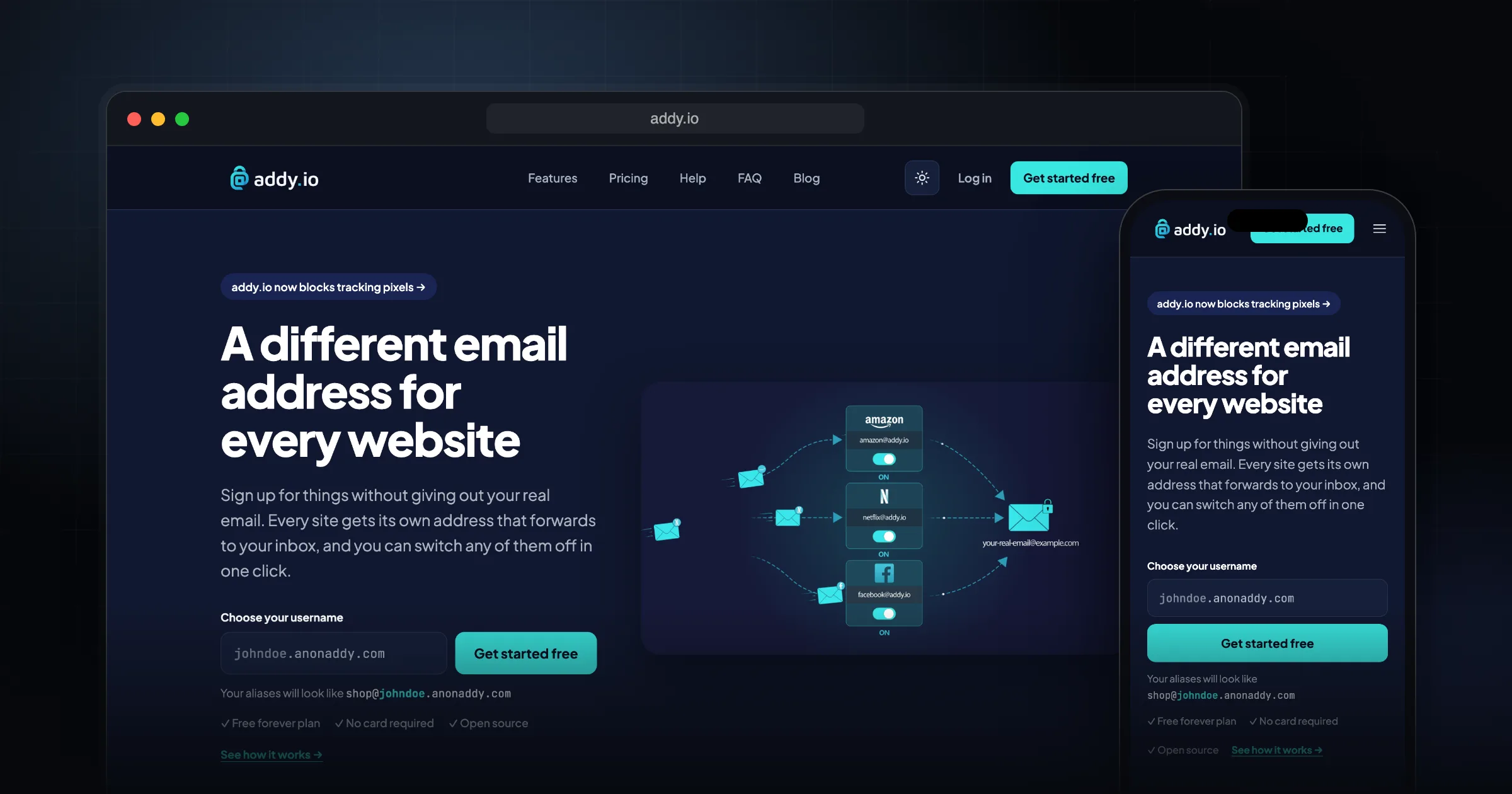
What it does well.
Unlimited aliases on your own username subdomain
Random character and random word aliases on shared domains
Reply and send from an alias without exposing your real address
GPG/OpenPGP encryption of forwarded mail with your own key
Custom domains (1 on Lite, up to 20 on Pro)
Forward one alias to up to 10 recipients
Browser extensions for Firefox and Chrome, open-source Android and iOS apps
Developer API and webhooks
Self-hostable under AGPL-3.0, with an official Docker image
Why I recommend this.
AnonAddy is a powerful tool for anyone who cares about email privacy and control. It lets you generate unlimited email aliases so you can use a unique address for every service, newsletter, or website. If one alias is ever leaked, sold, or starts receiving spam, you can simply disable or delete that single alias without affecting your real inbox.
Because AnonAddy focuses on encrypted forwarding, your real email address is never exposed to the services you sign up for. This significantly reduces the risk of targeted spam, phishing, and data correlation across different accounts. Custom domains add another layer of flexibility: you can keep a professional, branded email identity while still benefiting from aliasing and forwarding.
The self-hostable nature of AnonAddy is a major advantage for privacy-conscious users. Running it on your own server means your aliases, forwarding rules, and logs stay under your direct control instead of being stored on a third-party infrastructure. This aligns well with threat models where minimizing external data exposure is critical.
Overall, AnonAddy is recommended because it:
- Provides unlimited aliases to compartmentalize your online identities
- Makes it easy to revoke or disable compromised or spammed addresses
- Uses encrypted forwarding to keep your real email private
AnonAddy is now addy.io
AnonAddy rebranded as addy.io on 9 August 2023, according to the official announcement. The service and code are the same. The web app moved to app.addy.io, the API base URL changed to `https://app.addy.io/api/v1`, and anonaddy.com now redirects to addy.io. Existing alias domains such as @anonaddy.com and @anonaddy.me still work, so old aliases keep receiving mail.
Who it is for
I recommend addy.io to anyone who signs up for many services and wants to stop handing out their real address. Give each site its own alias. If one starts getting spam or turns up in a breach, you switch off that alias and nothing else changes. It also tells you which company leaked or sold your address.
How it works
When you sign up you get a username subdomain, for example [email protected]. Any address at that subdomain can be created on the fly the first time you use it. If you don't want aliases linked by your username, you can generate random character or random word aliases on shared domains, or create extra usernames.
To reply, you just hit reply. The forwarded message carries a special From address that routes your answer back through addy.io. You can also send new mail from an alias. You must send from a verified recipient address, and that address's domain needs a DMARC policy. Gmail, Outlook, Proton and similar providers already have one.
If you add your public GPG key, every forwarded email, attachments included, is encrypted before it reaches your provider, and the subject can be hidden too. The maximum email size is 25 MB.
Pricing at the time of writing (October 2026)
From the addy.io homepage, in US dollars:
- Free: $0, 1 recipient inbox, @anonaddy.com and @anonaddy.me, 10 shared-domain aliases, 10 MB of forwarding per month.
- Lite: $1/month, up to 5 inboxes, adds @addy.io, 1 custom domain.
- Pro: $4/month or $3/month billed yearly, up to 30 inboxes, up to 20 custom domains, unlimited shared-domain aliases, no monthly email limit.
- Duo and Family plans give Pro to 2 people from $4.50/month or up to 5 people from $7.50/month.
Licence and self-hosting
The source code is licensed under AGPL-3.0. Self-hosting means running a mail server: Postfix 3+, PHP 8.2+ with the mailparse extension, MariaDB or MySQL, Redis, Nginx, Rspamd, a fully qualified hostname, reverse DNS, TLS, MX/SPF/DKIM/DMARC records and port 25 open.
The official Docker image (`anonaddy/anonaddy`) packages the app and Postfix. You fill in the Compose example with your MySQL host, app key, domain and secret, run `docker compose up -d`, then create a user with the bundled `anonaddy:create-user` command. Enable Rspamd if you want anonymous replies.
Limitations and trade-offs
- The free plan's 10 MB monthly bandwidth runs out quickly if you forward newsletters.
- You must not mark forwarded mail as spam. The terms ask you to deactivate the alias instead.
- A domain can't be used with addy.io and another mail provider at the same time. Use a subdomain such as mail.example.com.
- Self-hosting is a full mail-server job, and your host must allow traffic on port 25.
addy.io vs SimpleLogin and Firefox Relay
SimpleLogin is the closest match: also AGPL-3.0, also self-hostable with Docker. Choose between them on interface and pricing.
Firefox Relay is simpler. The free plan gives 5 email masks; premium adds unlimited masks, replies and your own mozmail subdomain. At the time of writing, premium shows a waitlist. It is not self-hostable.
I pick addy.io when I want bring-your-own GPG encryption, multiple recipients per alias, or the option to self-host later.
Getting started checklist
- Create a free account at addy.io and verify your real inbox as a recipient.
- Install the browser extension so you can generate an alias at any signup form.
- Add your public GPG key on the Recipients page if you want encrypted forwarding.
- Send a test reply from an alias and check that the reply count goes up in the dashboard.
- Move your most-spammed accounts to aliases first, then the rest over time.
Comments
Share your thoughts and join the conversation