Skip to content
Oday Bakkour
Back to Alternatives
ALTERNATIVES · OPEN SOURCE

LucidChart alternatives.

The most popular open source alternatives to LucidChart are Drawio (4.2k GitHub stars), Flowchart.fun (3.4k GitHub stars). All 2 are ranked by GitHub stars and show their latest commit activity.

2 alternativesOpen source · live GitHub data

Drawio

Security-first diagramming for teams

Database

Collaborative, secure, and versatile diagramming tool.

4.2kstars718forks31contributors158issuesLast commit 8mo ago
READ MORE ABOUT DRAWIO

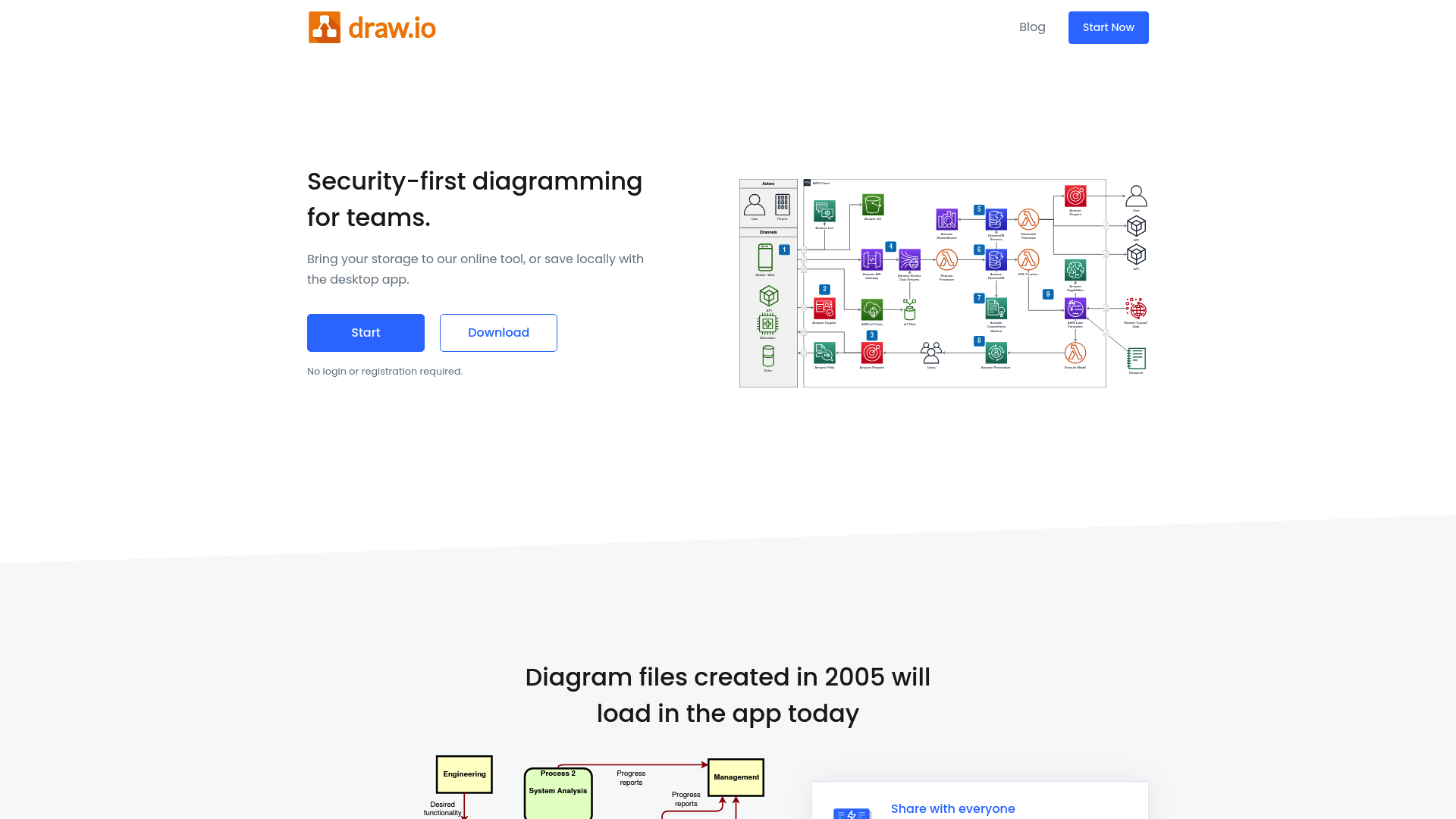
draw.io is a JavaScript, client-side editor designed for general diagramming. It offers a wide range of features that make it an ideal choice for teams and individuals looking to create professional diagrams while ensuring data privacy and security.

•Collaborative Editing: Work together with shared cursors in real-time, making team collaboration seamless and efficient.
•Privacy First: Store your data wherever you want to. draw.io cannot access your data, ensuring maximum privacy.
•Versatile Integrations: Works with Google Drive, Google Workplace, OneDrive, Sharepoint, Office 365, Microsoft Teams, Confluence, Jira, GitHub, GitLab, Dropbox, and Notion.
•No Registration Required: Start using the tool immediately without the need for login or registration.
•Backward Compatibility: Diagram files created as far back as 2005 will still load in the app today.
•Desktop and Online Options: Use draw.io online or download the desktop app for offline use. Also available as an extension for VSCode.
•Platform Agnostic: Share your diagrams without worrying about licenses or platform compatibility.

draw.io combines powerful features with a strong focus on security and privacy, making it a versatile tool for all your diagramming needs.
Flowchart.fun

Text to flowcharts effortlessly

Design

Easily generate flowcharts and diagrams from text.

3.4kstars235forks9contributors8issuesLast commit 9mo ago
READ MORE ABOUT FLOWCHART.FUN

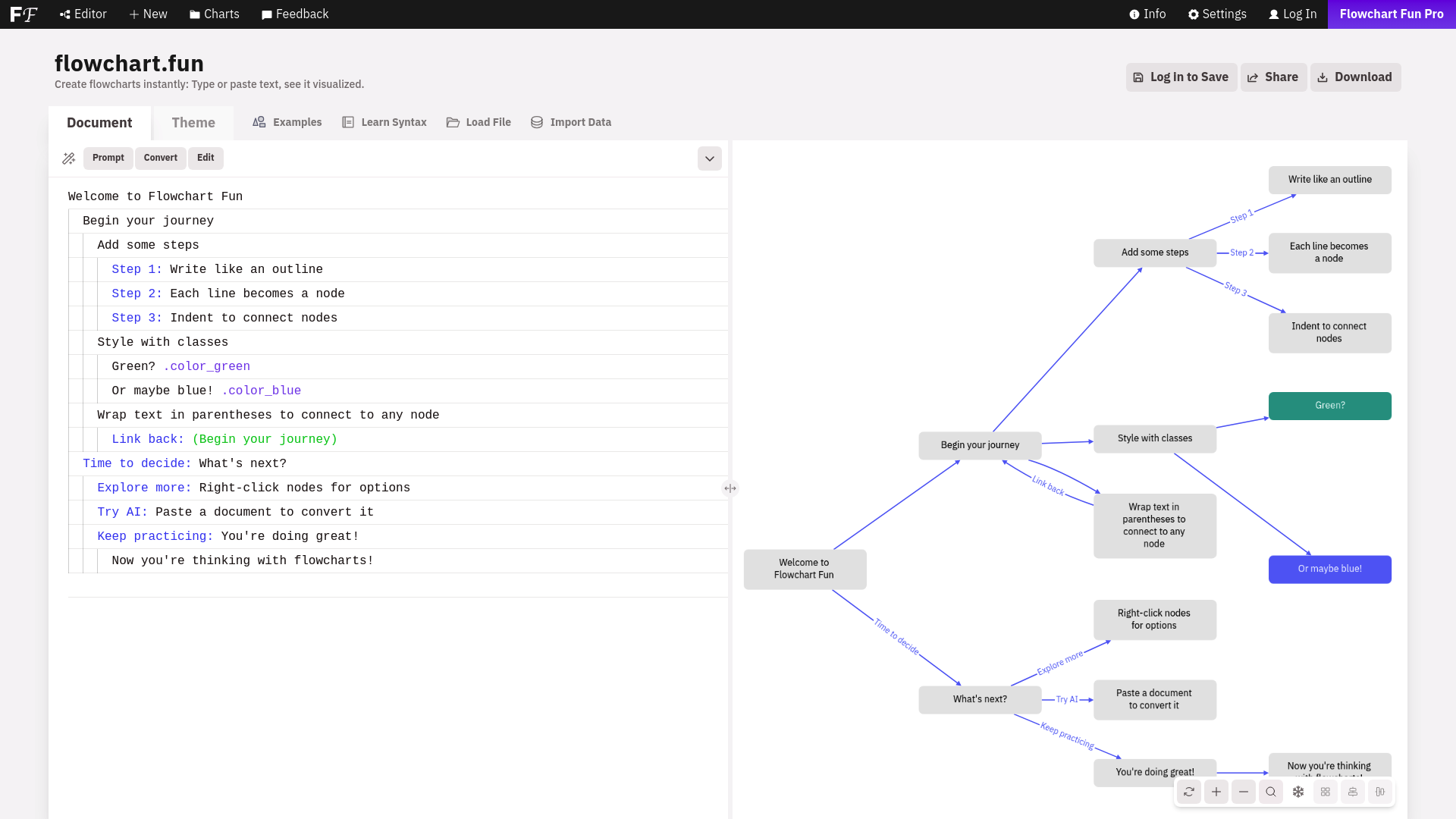
This open-source product allows you to effortlessly generate flowcharts and diagrams from simple text descriptions. It's designed to streamline the process of creating visual representations, making it accessible for users who may not have advanced design skills or software. Just input your text, and the tool does the rest, converting it into a clear and professional-looking diagram or flowchart. This can be particularly useful for project planning, organizational charts, and process mapping.

•Text-based input: Simply type your descriptions to create diagrams.
•Automated layout: The tool automatically arranges elements for clarity and aesthetic appeal.
•Customizable styles: Adjust colors, shapes, and other visual elements to suit your needs.
•Export options: Save your diagrams in various formats for easy sharing and embedding.
•Integration support: Compatible with other tools and platforms for seamless workflows.

Whether you're a project manager, developer, or educator, this tool simplifies the creation of flowcharts and diagrams, making your work more efficient and visually appealing.