Oday Bakkour Logo
Back to Alternatives

Open Source Alternatives to

Adobe Premiere Pro

4 Alternatives

LosslessCut

Ultimate Lossless Editing Tool

Video

The swiss army knife of lossless video/audio editing.

39.0kstars1.9kforks110contributors236issuesLast commit 2d ago
Read more about LosslessCut

The swiss army knife of lossless video/audio editing is a powerful tool designed to make video and audio editing seamless and efficient while maintaining the highest quality. This open-source tool caters to both professional editors and hobbyists who require precision and flexibility in their editing workflows without compromising on quality.

Lossless Editing: Maintain the original quality of your video and audio files during the editing process.
Multi-Format Support: Edit a wide range of video and audio formats without the need for conversion.
User-Friendly Interface: Intuitive design that makes it easy for users of all skill levels to navigate and utilize the tool effectively.
Advanced Editing Features: Includes cutting, trimming, merging, and splitting functionalities to cater to complex editing needs.
Cross-Platform Compatibility: Available on major operating systems including Windows, macOS, and Linux.
Open Source: Completely free to use, with the source code available for customization and improvement by the community.

In conclusion, this tool stands out as an indispensable asset for anyone involved in video and audio editing. Its emphasis on maintaining lossless quality, combined with a rich set of features and user-friendly design, makes it a go-to solution for high-quality editing needs.
Shotcut

Cross-platform video editor

Video

Free, open-source, cross-platform video editor.

13.6kstars1.3kforks58contributors48issuesLast commit 1d ago
Read more about Shotcut

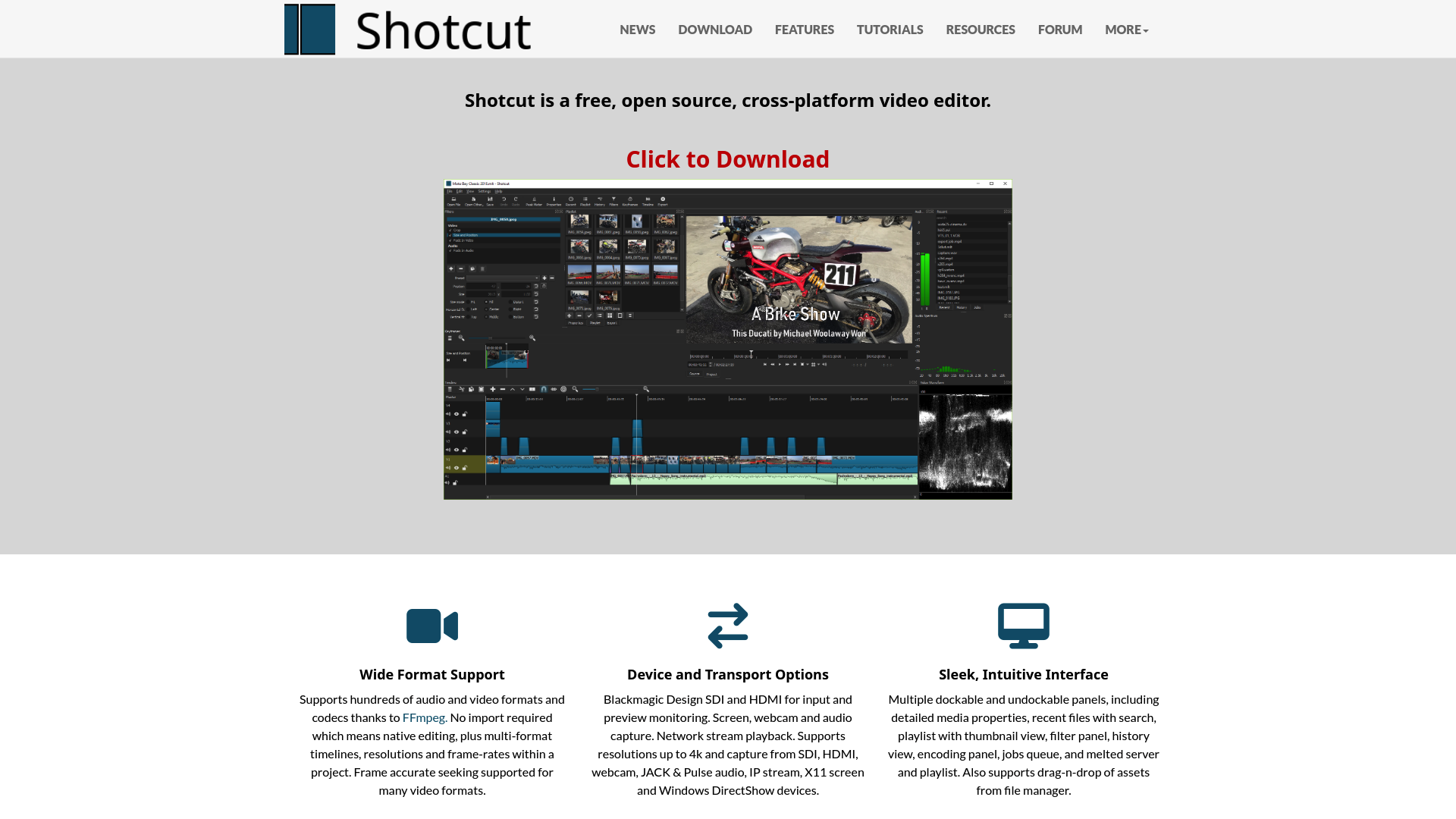
Shotcut is a free, open-source, cross-platform video editor available for Windows, Mac, and Linux. It is designed to provide a robust video editing experience with a wide range of features catering to both beginners and professionals alike.

Wide Format Support: Supports hundreds of audio and video formats and codecs thanks to FFmpeg. No import required, enabling native editing with multi-format timelines, resolutions, and frame-rates within a project.
Device and Transport Options: Offers Blackmagic Design SDI and HDMI for input and preview monitoring, screen, webcam, and audio capture. Supports resolutions up to 4k and capture from various devices including SDI, HDMI, webcam, JACK & Pulse audio, IP stream, X11 screen, and Windows DirectShow devices.
Sleek, Intuitive Interface: Features multiple dockable and undockable panels, including detailed media properties, recent files with search, playlist with thumbnail view, filter panel, history view, encoding panel, jobs queue, and melted server and playlist. Also supports drag-n-drop of assets from file manager.

Shotcut was originally conceived in November 2004 by Charlie Yates, an MLT co-founder and the original lead developer. The current version is a complete rewrite by Dan Dennedy, another MLT co-founder and its current lead. The project aims to leverage the cross-platform capabilities of MLT, particularly with WebVfx and Movit plugins. Shotcut continues to evolve, offering new features and improvements with each release.

Olive Editor

Powerful Open-Source Video Editor

Video

Free open-source non-linear video editor.

9.0kstars604forks57contributors136issuesLast commit 1y ago
Read more about Olive Editor

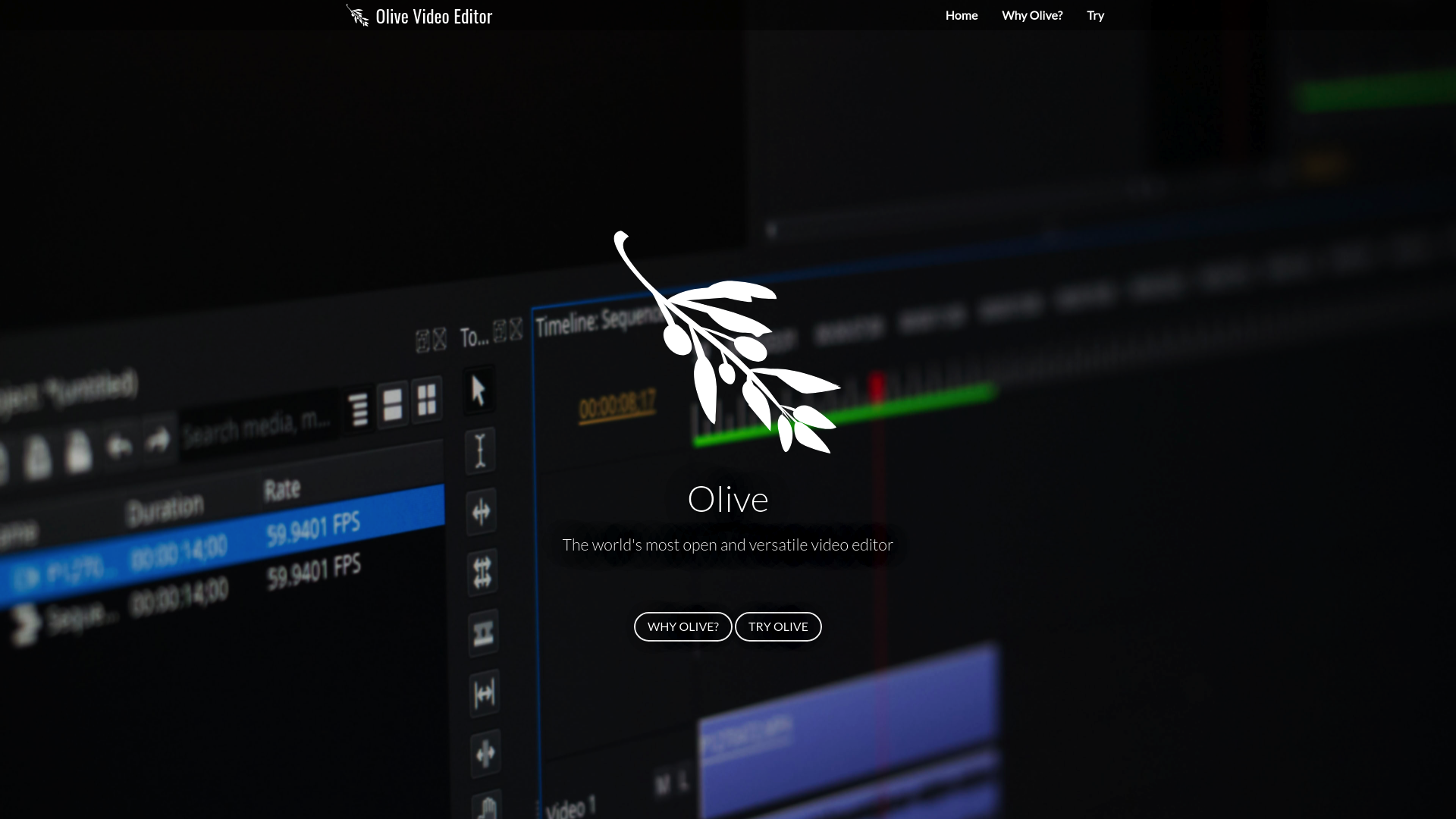
Olive Video Editor is a free, open-source non-linear video editor designed to provide powerful editing capabilities to users of all skill levels. Whether you're a professional filmmaker or a hobbyist, Olive offers a comprehensive suite of tools to bring your creative vision to life without the hefty price tag of commercial software.

Non-Linear Editing: Edit your videos in any order, allowing for greater creative freedom and flexibility.
Cross-Platform Compatibility: Available on Windows, macOS, and Linux, ensuring you can work on your projects regardless of your operating system.
High-Performance Rendering: Enjoy smooth and efficient rendering, even with complex projects and high-resolution footage.
Intuitive Interface: User-friendly design that makes it easy to navigate and utilize powerful editing features.
Advanced Effects and Transitions: Enhance your videos with a variety of built-in effects and transitions.
Customizable Workflows: Tailor the editor to your specific needs with customizable layouts and keyboard shortcuts.
Community-Driven Development: Benefit from continuous improvements and updates driven by an active and engaged community of developers and users.

Olive Video Editor empowers creators by providing a robust and versatile editing platform that is both accessible and free. With its rich feature set and ongoing community support, Olive is an excellent choice for anyone looking to produce high-quality video content.

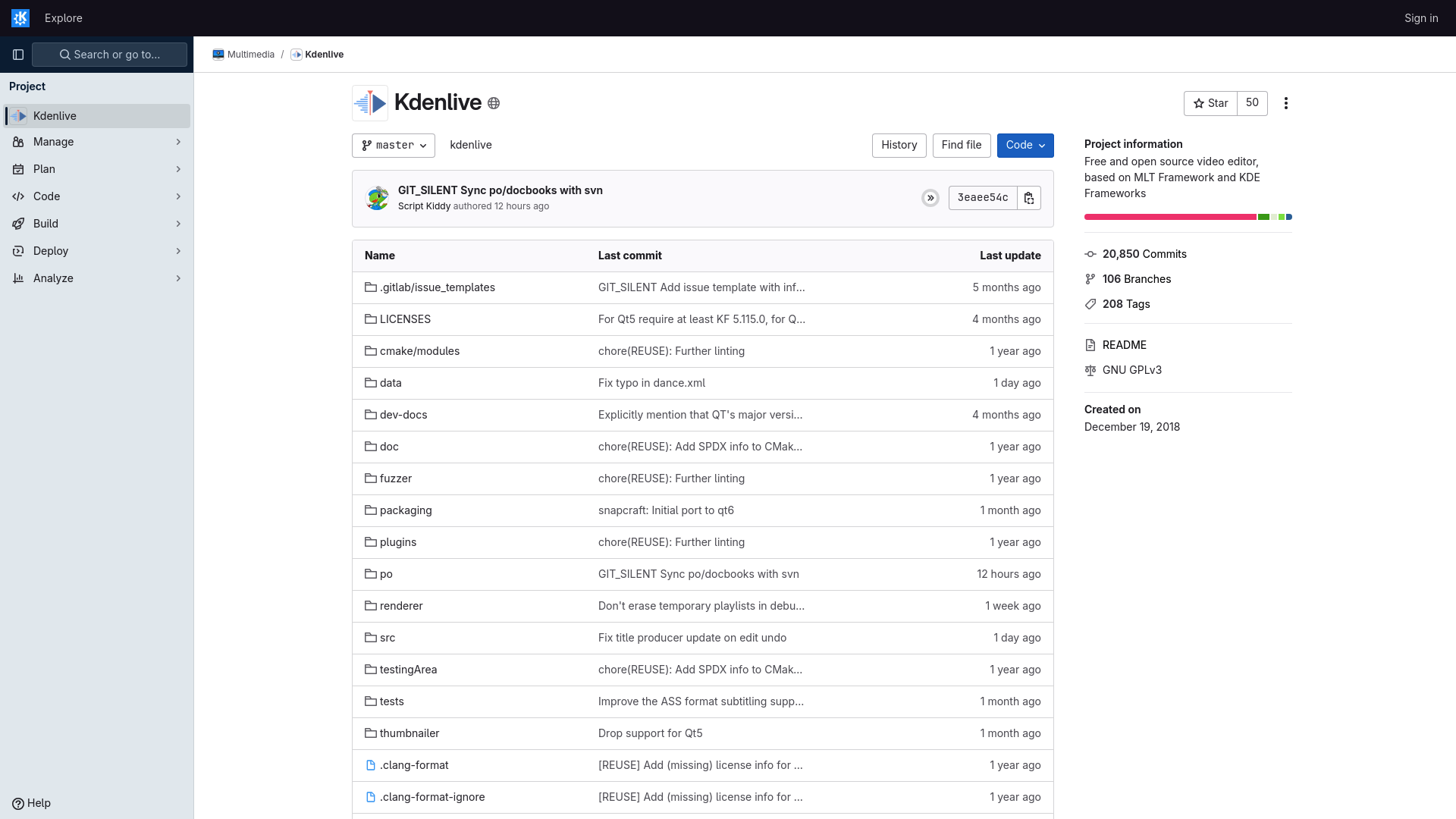
Kdenlive

Open source video editor

Video

Free and open source video editor.

4.8kstars385forks133contributorsLast commit 1d ago
Read more about Kdenlive

Kdenlive is a free and open-source video editor, designed to provide a powerful and flexible video editing experience. It is built on the MLT Framework and KDE Frameworks, ensuring robust performance and a wide range of features for both novice and professional video editors.

Non-linear Editing: Kdenlive offers a non-linear editing interface, allowing you to edit video and audio on multiple tracks.
Multi-track Editing: Supports multi-track video and audio editing, providing flexibility and precision in your projects.
Wide Format Support: Compatible with a broad range of video and audio formats, ensuring seamless import and export of your media.
Customizable Interface: Highly customizable user interface to suit your workflow, including dockable panels and keyboard shortcuts.
Effects and Transitions: Comes with a rich set of effects and transitions to enhance your videos.
Proxy Editing: Allows for smooth editing of high-resolution video by using lower resolution proxies.
Keyframeable Effects: Supports keyframeable effects for more dynamic and controlled video editing.
Powerful Titler: Includes a robust titling tool for creating and animating text for your videos.
Audio Editing: Advanced audio editing capabilities, including multi-track audio support and a range of audio effects.
Project Backup: Automatic backup feature to ensure your project is always safe.

Kdenlive is designed to meet the needs of both amateur and professional video editors, offering a comprehensive set of tools and features that make video editing intuitive and efficient. Its open-source nature allows for continuous improvement and community-driven enhancements.